
Содержание
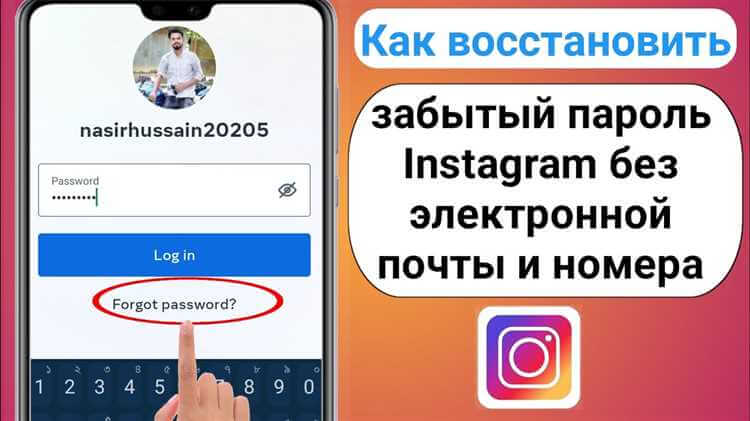
На экране входа нажмите «Забыли пароль?» → введите email или телефон → выберите способ получения кода → введите код → задайте новый пароль. Код ограничен по времени.
Восстановление пароля
Вход → Забыли пароль? → email или имя пользователя → способ: email или SMS → код из письма или сообщения → ввод кода → новый пароль дважды.
Смена пароля
После подтверждения кода введите новый пароль и повторите. Сохраните пароль в надёжном месте; при необходимости смените в настройках безопасности.
Видео:
Вопрос-ответ:
Как восстановить пароль, если забыл?
Экран входа → «Забыли пароль?» → введите email или телефон, привязанный к аккаунту → следуйте инструкциям.
Что делать, если не могу восстановить через email или телефон?
Проверьте правильность ввода. Если доступ потерян — форма восстановления через поддержку Instagram.
Как восстановить без привязки к Facebook?
Достаточно email или номера телефона, указанных при регистрации. Facebook не обязателен.
Сколько времени занимает восстановление?
Код приходит обычно в течение минут. Срок действия кода ограничен — введите его сразу.
