
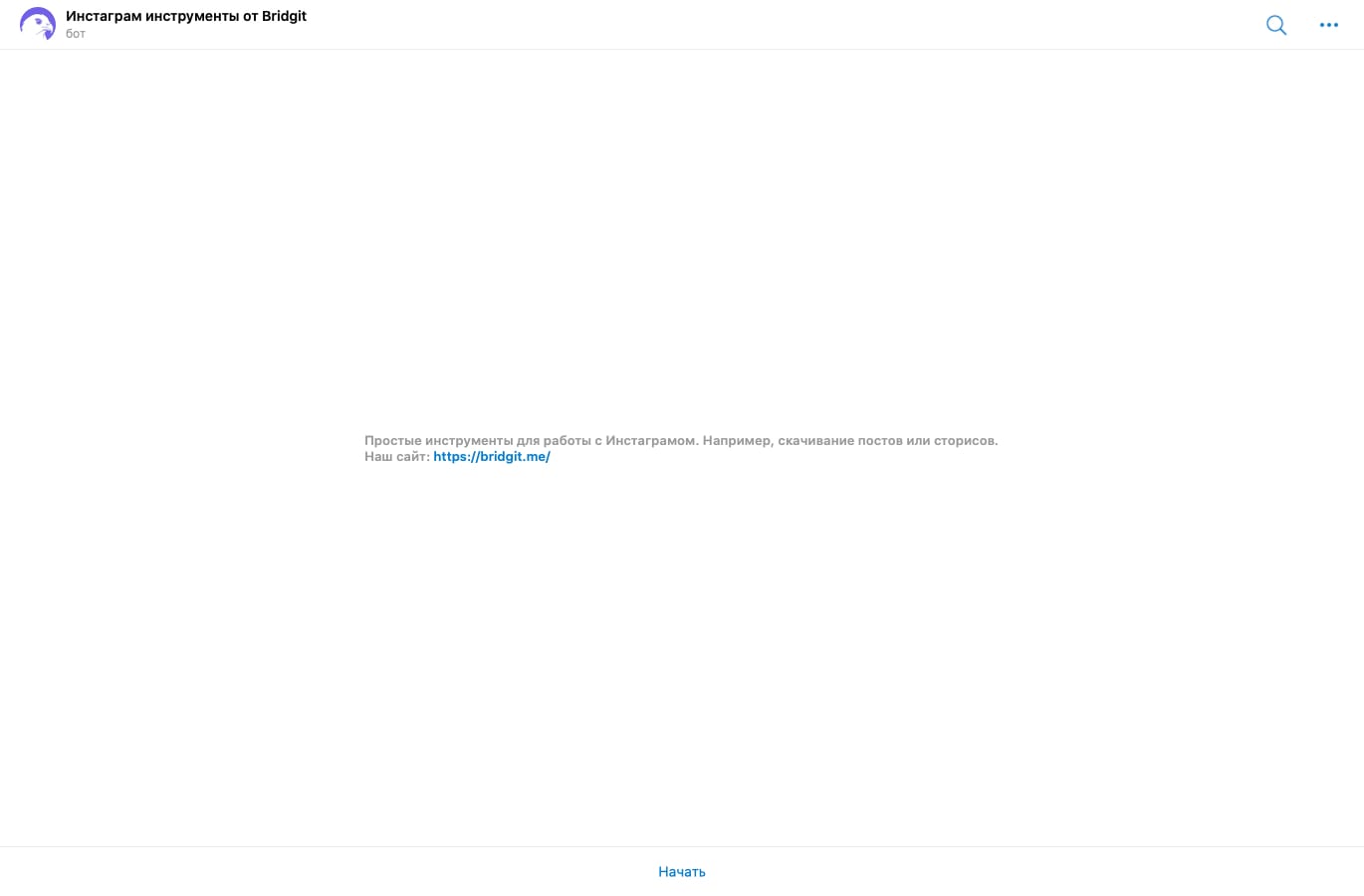
Как его найти?
Можно перейти по ссылке или воспользоваться поиском в телеграм @igmediatoolsbot. После того, как нажмете на кнопку "Начать" сможете сохранять нужные публикации к себе на телефон или компьютер.
Как пользоваться?
Для старта достаточно нажать на кнопку "Начать". После вам будет предложен список из четырех команд:
- Скачать публикацию
- Скачать сторис
- Скачать все сторисы
- Скачать IGTV
Нажав на одну из команд, в ответ вы получите сообщение например такого содержания – "Хорошо. Отправьте мне ссылку на пост в инстаграме, который нужно вам скачать. Например: https://www.instagram.com/p/CAs3QjLHdtK/"
Далее вам нужно просто вставить ссылку и в ответ вы получите готовый пост. Как скопировать ссылку мы рассказали в этом посте нашего блога.
Надеемся инструмент действительно удобный и полезный, если у вас есть предложения или пожелания, пишите нам в почту help@bridgit.me