
Содержание
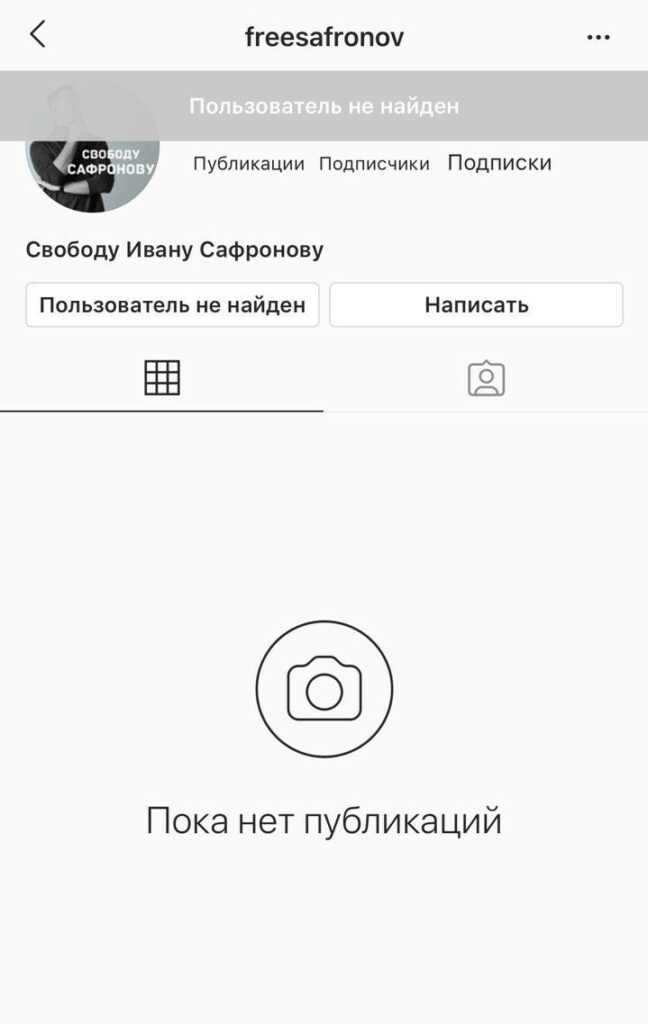
Войдите в аккаунт → Профиль → меню (три полоски) → Настройки → внизу «Удалить аккаунт» → выберите причину, введите пароль → подтвердите. Удаление необратимо.
Почему удаляют аккаунт
Причины: приватность и безопасность данных, зависимость и время в соцсети, усталость от сравнений. Решение личное; все данные после удаления теряются.
Причина 1: Сохранение личной информации
Instagram хранит много данных. Удаление аккаунта снижает риск использования вашей информации. Настройки → Конфиденциальность и безопасность → Управление аккаунтом → Удалить аккаунт.
Причина 2: Социальная зависимость
Признайте проблему; замените время в приложении на чтение, спорт, творчество, волонтёрство. Удаление освобождает время и снижает давление.
Видео:
Вопрос-ответ:
Можно ли восстановить удалённый аккаунт?
Нет. Все данные удаляются безвозвратно. Сохраните важное перед удалением.
Можно ли временно деактивировать аккаунт?
Да. Настройки → Аккаунт → Временно деактивировать аккаунт. Профиль скрывается, восстановление возможно.
Что происходит с фото и сообщениями?
Всё удаляется безвозвратно. Сохраните или перенесите нужные данные до удаления.
Увидят ли другие мои фото после удаления?
Профиль и фото станут недоступны. Сохранённые или пересланные копии у других могут остаться.
