
Содержание
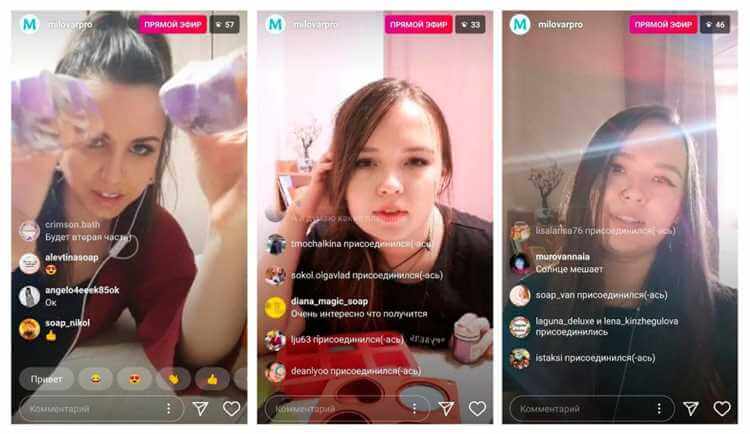
Прямые эфиры создают близость с аудиторией и живой контакт. Организация проста — с телефона или компьютера. Актуальная версия приложения, публичный аккаунт. Подготовка: интернет, тема, материалы.
Прямой эфир: инструкция
Подготовка и настройка: проверьте интернет, выберите тему, подготовьте материалы. Запуск: камера → «Прямой эфир», добавление гостя, вопросы в комментариях. Сохранение эфира в IGTV или архив.
Преимущества прямых эфиров
Прямое взаимодействие, рост охвата, эмоциональная связь с подписчиками. Комментарии можно отключать в настройках эфира.
Видео:
Вопрос-ответ:
Как организовать прямой эфир в Инстаграме?
Камера или создание поста → «Прямой эфир», подготовьте тему и интернет.
Как добавить гостя в эфир?
Кнопка «Пригласить» во время эфира — выбор пользователя из подписчиков.
Как задать вопрос в прямом эфире?
Зрители пишут в комментариях; автор зачитывает и отвечает. Есть стикер «Вопросы».
Можно ли сохранить прямой эфир?
Да, после эфира можно сохранить в профиль или в IGTV для просмотра позже.
