
Содержание
- Что делать, если инстаграм заблокировал аккаунт
- Восстановление доступа к заблокированному аккаунту
- Проверить причину блокировки аккаунта
- Связаться с поддержкой Инстаграма
- Предотвращение блокировки аккаунта в будущем
- Установить надежный пароль и двухфакторную аутентификацию
- Не использовать нелицензированные или спамерские приложения
- Видео
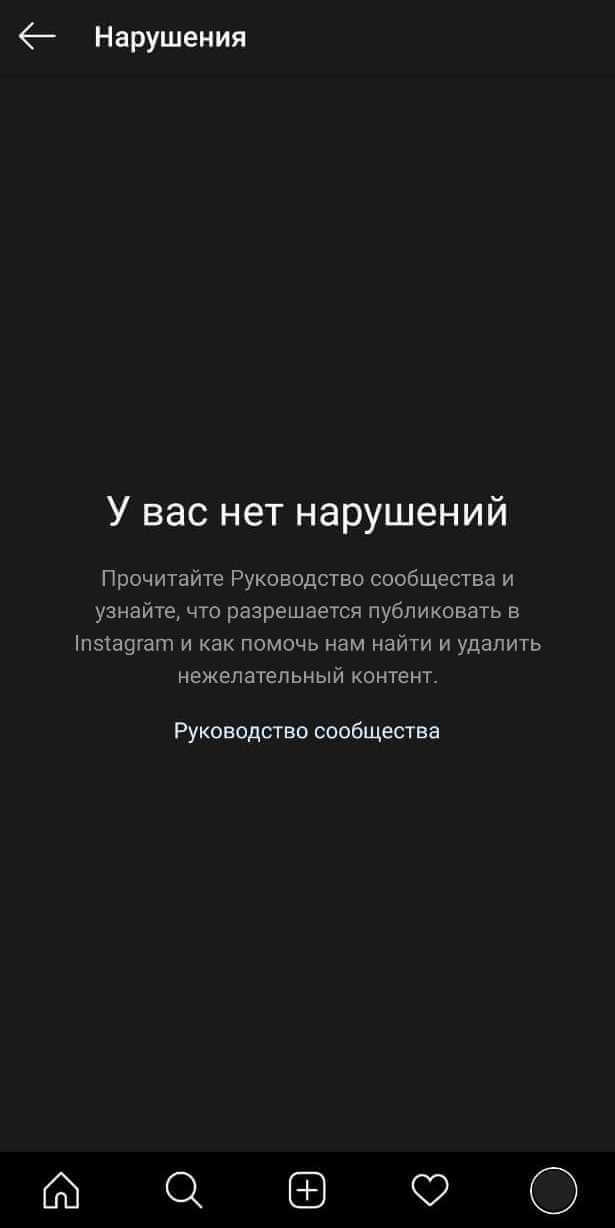
Instagram – одна из самых популярных социальных сетей с миллионами пользователей со всего мира. Но что делать, если вдруг ваш аккаунт был заблокирован? В этой статье мы расскажем о причинах блокировки аккаунта в Instagram и предоставим несколько полезных советов о том, как вернуть доступ к своей странице.
Первым делом, не паникуйте! Блокировка аккаунта не является катастрофой, и в большинстве случаев можно решить проблему. Ваш аккаунт может быть заблокирован по разным причинам: нарушение правил платформы, массовая накрутка лайков или подписчиков, нежелательное поведение и т. д.
Если ваш аккаунт был заблокирован, первым шагом должно быть прочтение сообщения от Instagram о причине блокировки. Обратите внимание на подробности и рекомендации. Если сообщение не содержит достаточной информации, обратитесь в службу поддержки Instagram.
В процессе разблокировки аккаунта старайтесь быть терпеливыми и следовать рекомендациям Instagram. Это может включать предоставление дополнительных данных для подтверждения личности или принятие мер для исправления нарушений.
Что делать, если инстаграм заблокировал аккаунт: советы и рекомендации
Если ваш аккаунт в Инстаграме был заблокирован, не отчаивайтесь! Следуйте этим советам, чтобы разблокировать свой аккаунт.
1. Понять причину блокировки
Первым шагом является понимание причины блокировки. Инстаграм может заблокировать аккаунт из-за нарушения правил, подозрения в нарушении авторских прав или жалоб от других пользователей. Попробуйте вспомнить, какие действия могли привести к блокировке.
2. Связаться с поддержкой Инстаграма
После понимания причины обратитесь в службу поддержки Инстаграма. Откройте приложение, перейдите в настройки аккаунта, выберите "Справка" или "Поддержка", опишите проблему и отправьте запрос.
3. Проверить почту
Проверьте почту, связанную с аккаунтом, — там может быть письмо от поддержки с инструкциями по разблокировке. Проверьте папку «Спам».
4. Исправить нарушения
Если вы поняли, какие нарушения были совершены, исправьте их (например, удалите материалы, нарушающие авторские права). После этого повторно обратитесь к поддержке.
5. Будьте терпеливы
Разблокировка может занять несколько дней или недель. В этот период соблюдайте правила Инстаграма.
Следуя этим советам, вы повысите свои шансы на разблокировку. Соблюдение правил платформы — залог успешного использования Инстаграма.
Восстановление доступа к заблокированному аккаунту
- Проверьте уведомления: Инстаграм часто отправляет уведомления на почту или телефон. Проверьте «Спам» и «Входящие».
- Изучите правила Инстаграма, чтобы понять, какие действия могли привести к блокировке.
- Свяжитесь с поддержкой Instagram, если считаете, что аккаунт заблокирован по ошибке.
- Примите меры предосторожности: не публикуйте нарушительный контент, будьте внимательны к комментариям и сообщениям.
Восстановление доступа может занять время. Следуйте рекомендациям и соблюдайте правила Инстаграма.
Проверить причину блокировки аккаунта
Если ваш аккаунт в Instagram был заблокирован, первым делом выясните причину. Только зная причину, вы сможете принять меры для восстановления.
Для проверки: зайдите на www.instagram.com, попробуйте войти — если аккаунт заблокирован, Instagram покажет сообщение с причиной. Внимательно прочитайте его.
Причины могут быть разными: нарушение правил, некорректное поведение, запрещённый контент. Если сообщение не поступило или вы сомневаетесь, обратитесь в поддержку Instagram.
Использовать встроенные инструменты для разблокировки
Попробуйте войти с логином и паролем. Нажмите «Забыли пароль?» и следуйте инструкциям. Instagram может отправить код на почту или телефон.
Если не помогло — используйте «Помощь входа». Instagram предлагает варианты разблокировки через почту, телефон или Facebook.
Если и это не сработало — обратитесь в поддержку через официальный сайт, раздел «Помощь». Опишите проблему и запросите инструкции.
Всегда проверяйте официальные каналы и инструменты Instagram — они лучше всего знают, как восстановить доступ.
Связаться с поддержкой Инстаграма
Если аккаунт заблокирован, свяжитесь с поддержкой. Зайдите в Инстаграм → настройки (меню в правом верхнем углу) → «Справка» → Центр помощи. На странице помощи выберите вопрос, соответствующий вашей проблеме, нажмите «Свяжитесь с нами» и заполните форму (имя, почта, описание проблемы, при необходимости скриншоты). Ответ обычно приходит в течение нескольких рабочих дней. Проверяйте почту и папку «Спам». Будьте вежливы и описывайте проблему подробно.
Предотвращение блокировки аккаунта в будущем
Чтобы избежать блокировки в будущем, придерживайтесь рекомендаций:
1. Соблюдайте правила Instagram
Ознакомьтесь с правилами платформы. У Instagram нулевая терпимость к спаму, насилию и непристойному контенту.
2. Защитите аккаунт от взлома
Используйте надёжные пароли, двухфакторную аутентификацию, не передавайте данные для входа третьим лицам.
3. Публикуйте подходящий контент
Не используйте материалы, нарушающие авторские права. Публикуйте своё или имейте разрешение.
4. Будьте аккуратны с комментариями и сообщениями
Не размещайте оскорбительные или угрожающие комментарии. Будьте вежливы.
5. Берегите репутацию
Не злоупотребляйте возможностями платформы и не пытайтесь обойти правила.
Следуя этим рекомендациям, вы уменьшите риск блокировки.
Установить надежный пароль и двухфакторную аутентификацию
Используйте длинный пароль Не менее 8 символов, лучше 12–16. Включите цифры, спецсимволы и буквы разного регистра. Не используйте личную информацию (имя, дату рождения).
Настройте двухфакторную аутентификацию в настройках аккаунта (раздел «Безопасность» или «Приватность»). Обычно требуется номер телефона для кодов.
Надёжный пароль и 2FA значительно повысят безопасность аккаунта.
Избегать нарушения правил Инстаграма
Не публикуйте контент, нарушающий авторские права. Не размещайте оскорбления и непристойные материалы. Не спамьте и не используйте ботов для накрутки. Уважайте условия использования платформы.
Не использовать нелицензированные или спамерские приложения

Использование нелицензированных или спамерских приложений может повлечь блокировку. Такие приложения часто нарушают политику Instagram и могут угрожать безопасности аккаунта. Используйте только официальные приложения. Не предоставляйте сторонним приложениям доступ к аккаунту. Не вводите логин и пароль на недоверенных сайтах. Не открывайте подозрительные ссылки и вложения.
Видео:
FAQ:
Как узнать, что аккаунт был заблокирован в Instagram?
Вы не сможете войти в аккаунт и увидите соответствующее уведомление при попытке входа.
Что делать, если мой аккаунт был заблокирован в Instagram?
Попытайтесь войти и следовать инструкциям на экране. Вам может быть предложено отправить код для подтверждения личности или запросить помощь поддержки.
Как предотвратить блокировку аккаунта в Instagram?
Соблюдайте правила платформы. Не публикуйте неподобающий контент и не нарушайте авторские права.
Можно ли разблокировать аккаунт в Instagram самостоятельно?
Да, часто можно, следуя указаниям на экране. В некоторых случаях понадобится помощь поддержки.
Как долго может продолжаться блокировка?
Зависит от причины: от нескольких часов или дней до недель или навсегда при серьёзных нарушениях.
Как узнать, что мой аккаунт заблокирован?
Вы увидите уведомление при попытке входа. Можно также проверить, зайдя на страницу своих фотографий.
